Joomla User Manual
Audio Field
Purpose
The Audio field allows selection of an audio file from a media folder.
Field Creation
Common field parameters are described in a separate article.
- Title The title is seen and used in the list of fields.
- Label This is what is displayed in the output. If left empty it is set from the content of the Title field but can be changed.
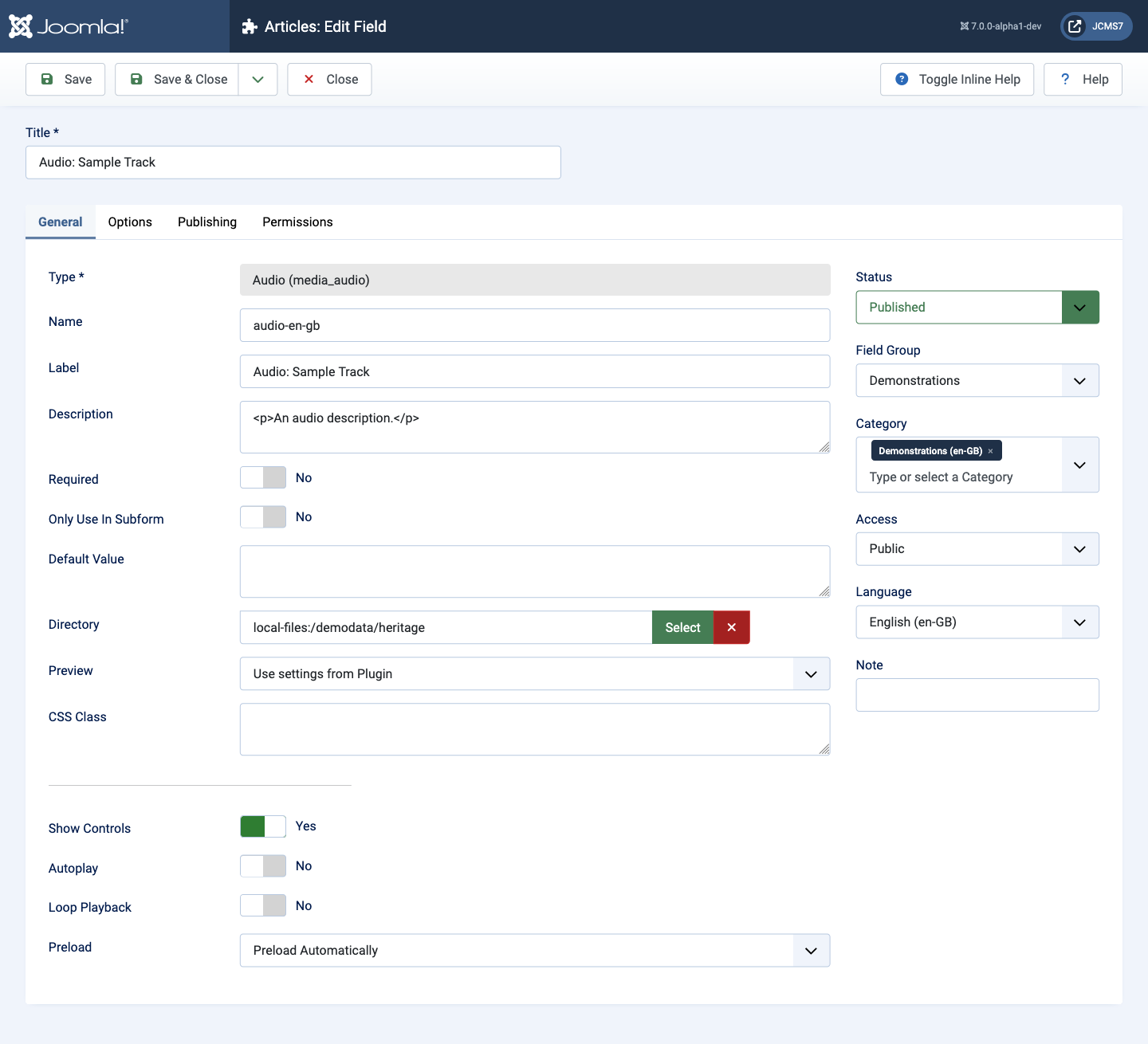
Note: In this example, inclusion of the field type in the Title is for demonstration purposes only. Leave it out in your own field titles.
Data Entry
In use the Audio field is simple. You select the required audio file using a media picker.
The following screenshot shows an audio file selected:
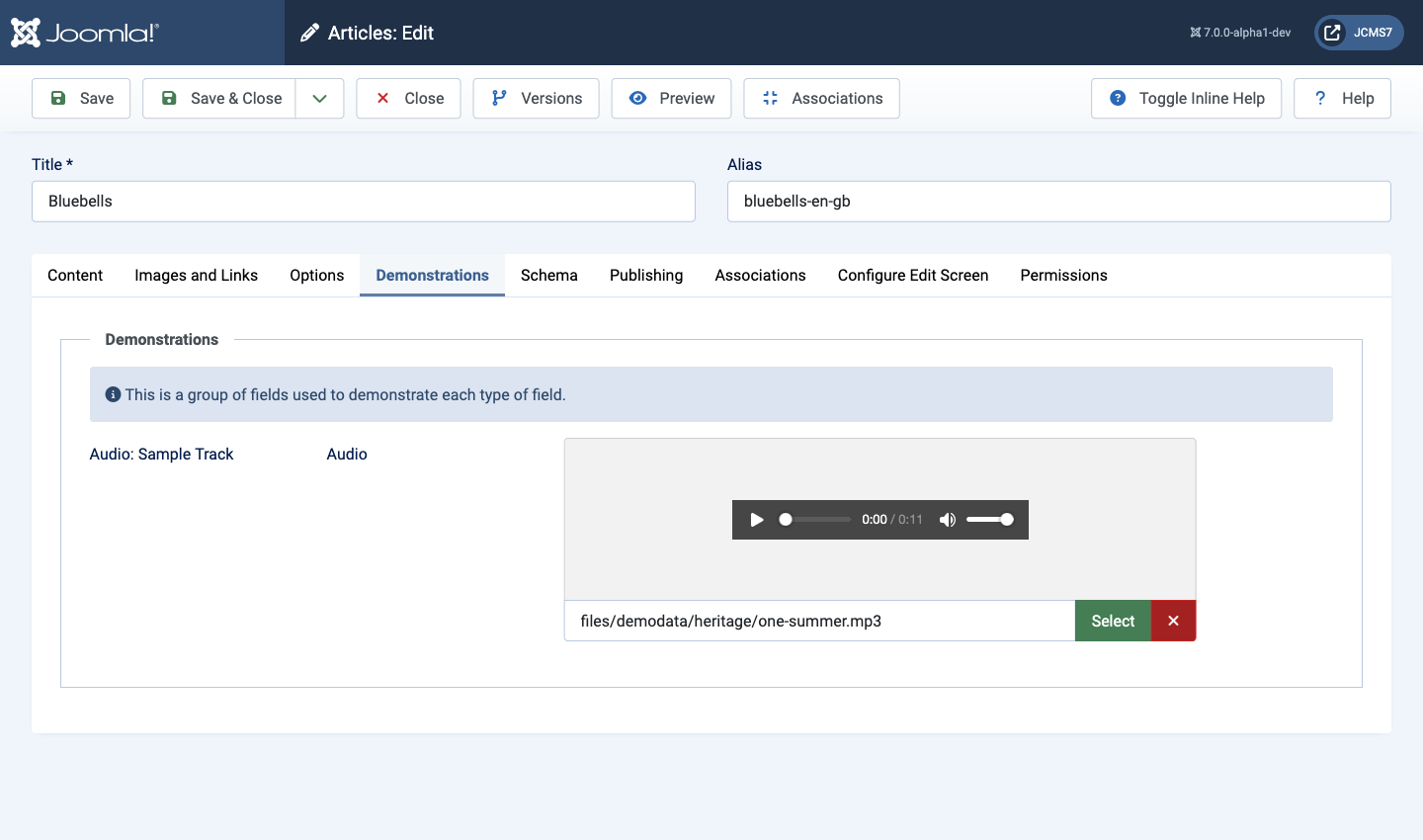
Fields only appear in an article if populated in the article data entry form.
Data Display
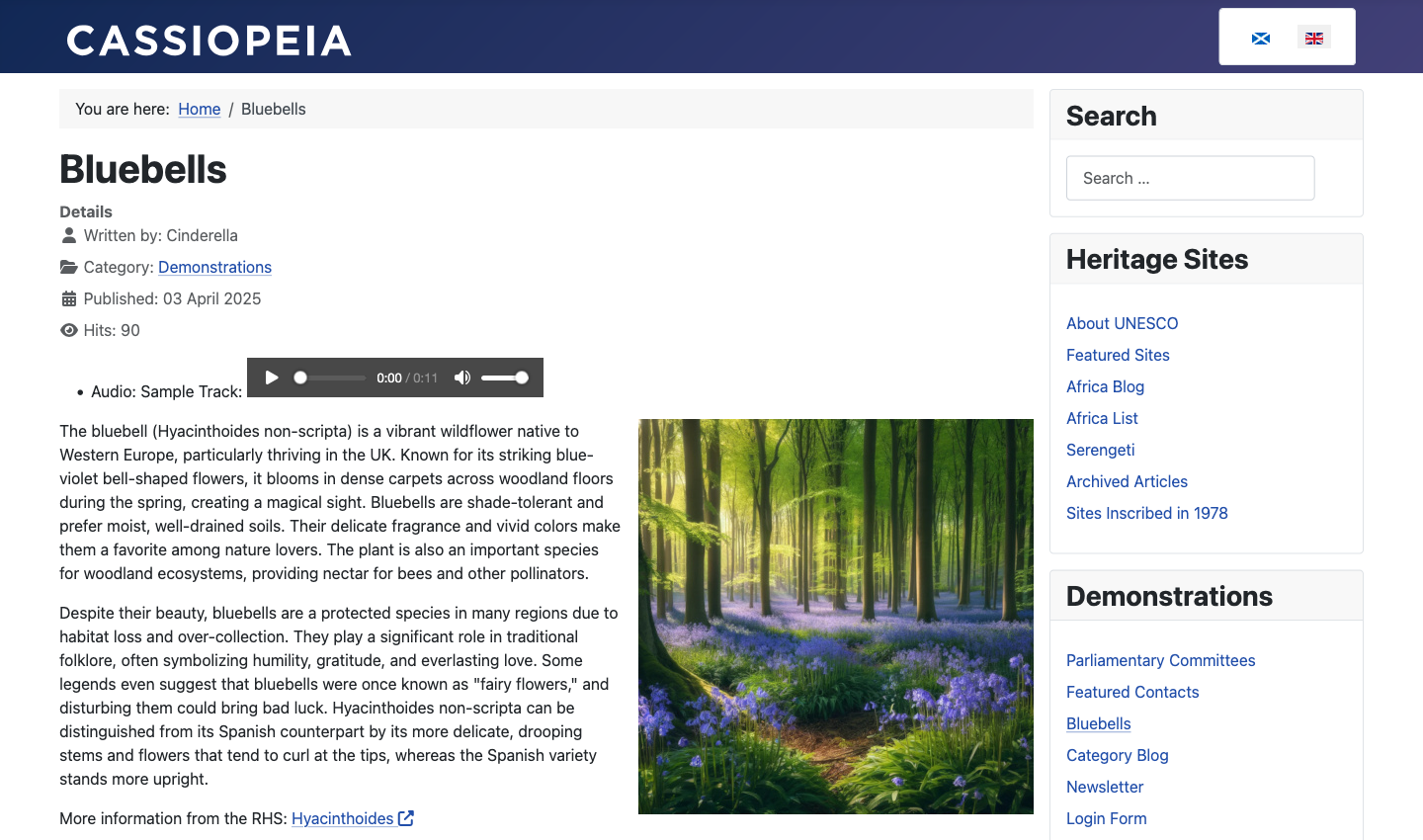
The following Site screenshot shows the field displayed in an article. The option Automatic display is responsible for the position of the field and your template is responsible for the design of the field.